
Yes. In most cases, you can use your personal E-ZPass in a rental car in the United States. The rental car must be in the E-ZPass network, your account must be active, and the rental vehicle’s license plate and class must match your account rules.
Before you drive through a toll, check your E-ZPass agency’s policy and the rental company’s toll terms. You may need to add the rental car’s plate and rental dates to your account. You also need to keep the rental company’s toll device switched off, if the car has one.
How E-ZPass works in a rental car
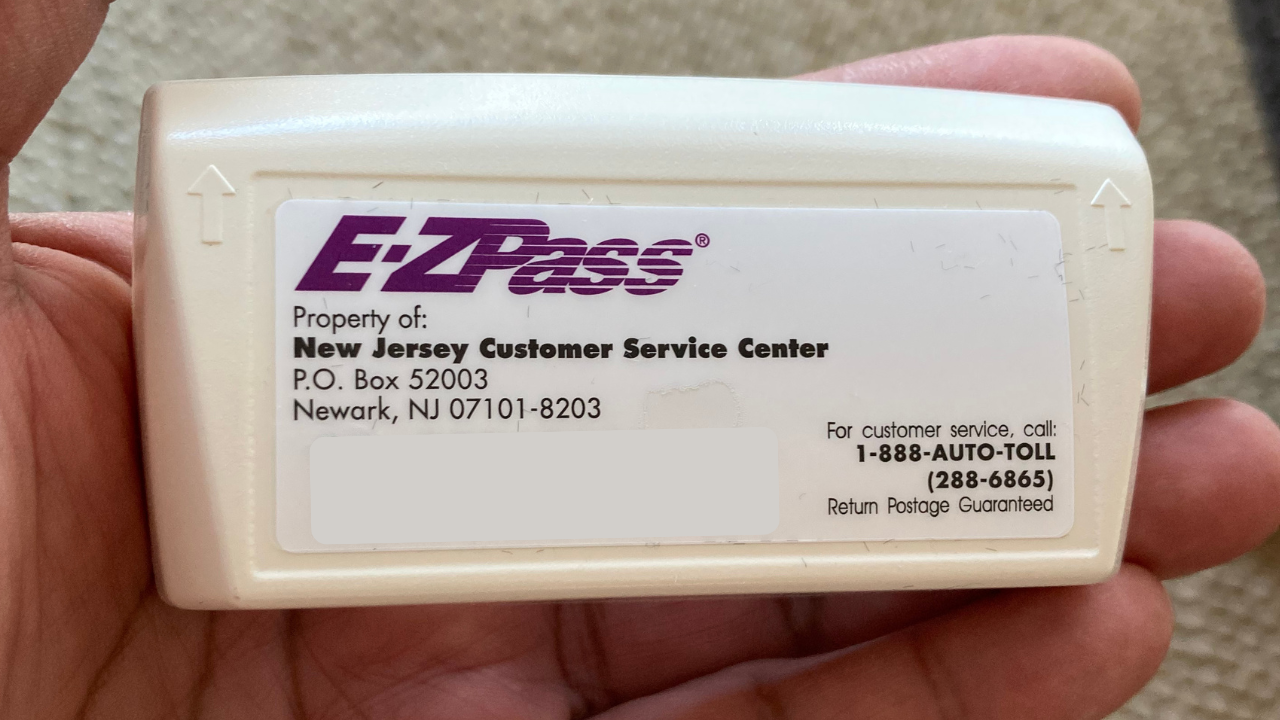
Your E-ZPass transponder links a toll charge to your account. It does not usually belong to one specific car. This lets you move the device between eligible vehicles.
The key limits are simple:
- The transponder must be active.
- The rental car must have the correct vehicle class.
- The device must be mounted as directed.
- The rental plate may need to be added to your account.
- You must remove the transponder when you return the car.
- You must not use the same transponder in two cars at the same time.
E-ZPass rules come from the agency that issued your account. For example, New York E-ZPass, Pennsylvania E-ZPass, and Virginia E-ZPass may have different instructions. The official E-ZPass Group provides general network information, but your own agency controls your account.
A rental car can also have a built-in toll device or a rental company toll program. If both your E-ZPass and the rental program are active, the toll may be charged in an unexpected way. Always ask the rental counter or check the rental agreement before leaving.

How to use your E-ZPass in a rental car
Follow these steps before you enter a toll lane.
1. Check that your transponder is eligible
Most standard E-ZPass transponders can move between passenger vehicles. Some agencies issue different devices for cars, trucks, motorcycles, or commercial vehicles.
Check:
- The transponder type
- The vehicle class it supports
- Whether it is attached to your personal or business account
- Whether the account has enough funds
- Whether the account has a current payment method
A transponder that is valid for a two-axle car may not be valid for a larger vehicle, trailer, or motorhome.
2. Record the rental car details
Write down or photograph the following information:
- License plate number
- State that issued the plate
- Rental company
- Vehicle type
- Pickup date and time
- Return date and time
Some E-ZPass agencies ask you to add the rental plate to your account. Others allow temporary use without adding it if the transponder reads correctly. Adding the plate can help if the device fails, but it can also cause problems if you forget to remove the plate after the rental ends.
Use your E-ZPass website or app if it supports temporary vehicles. If you cannot find the feature, contact the agency before driving.
3. Mount the transponder correctly
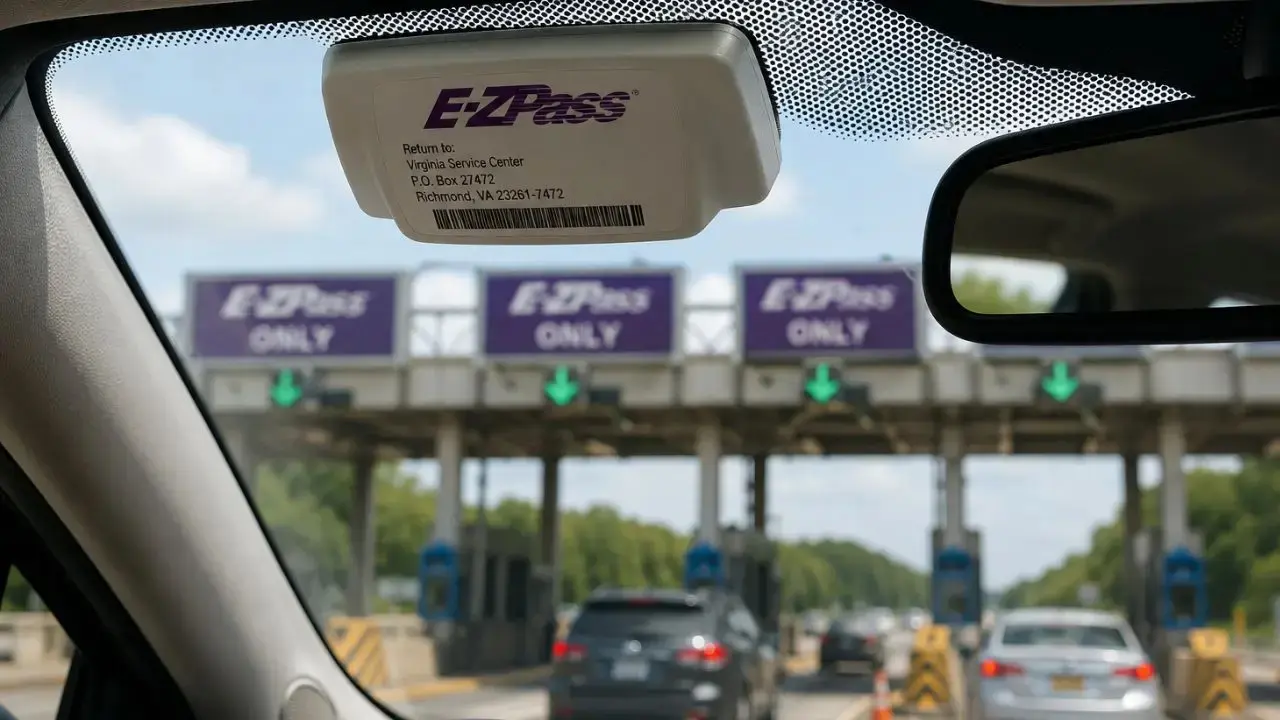
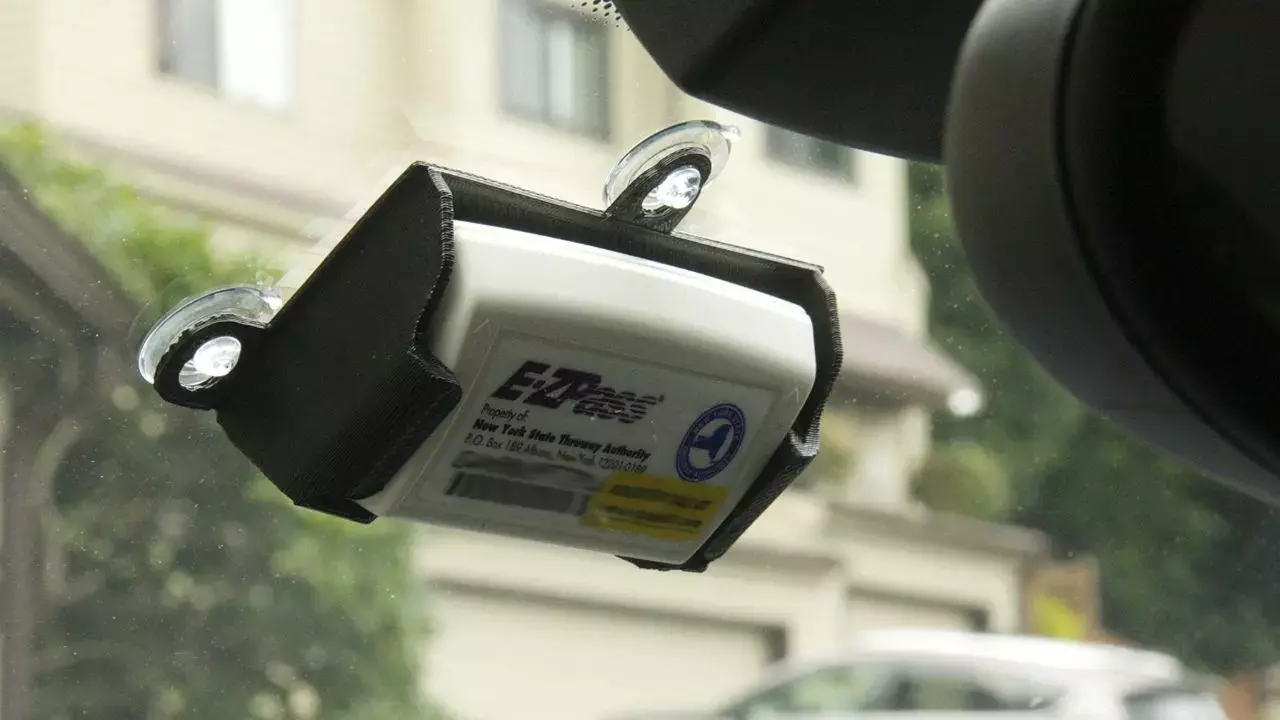
Put the transponder in the location named by the E-ZPass agency. For many vehicles, this means the inside of the windshield near the rearview mirror.
Do not:
- Hold the transponder in your hand while driving
- Place it in a glove box
- Cover it with metal
- Put it behind a tinted or heated windshield if the agency warns against that location
- Leave it loose on the dashboard unless the agency allows it
A poor mounting position can cause a missed read.
4. Check the rental car’s toll device
Many rental cars have a toll transponder, switch, or removable box. The rental company may call its program “toll pass,” “e-Toll,” “PlatePass,” or another name.
Ask these questions before you leave:
- Does the vehicle have a toll device?
- Can I decline or deactivate the rental toll program?
- Will I pay a daily service fee if I use a toll road?
- What happens if my own transponder is read?
- Will the company charge my card later for unpaid tolls?
Do not remove or damage a device unless the rental company tells you to. Some devices can be closed or placed in a shielded box. Others must remain active under the rental agreement.
5. Test the account before the first toll
Check your account balance and recent activity. If your E-ZPass agency offers an online vehicle list, confirm that the rental plate is entered correctly.
After using a toll road, look for the charge in your E-ZPass account. A delay is normal. Some toll agencies post charges later, especially when a toll point uses video review.
6. Remove the rental plate after return
If you added the rental plate to your E-ZPass account, remove it when the rental ends. Set the end date correctly if the system supports that option.
Then remove your transponder from the rental car. Check the windshield, center console, door pocket, and glove box before returning the vehicle.
Should you add the rental car’s license plate to E-ZPass?
Usually, you should follow your issuing agency’s instructions. Adding the plate can help identify the vehicle if the transponder does not read, but it creates a risk if the rental period is entered incorrectly.
Add the plate when:
- Your E-ZPass agency requires it.
- The account has a temporary vehicle feature.
- You will use toll roads for several days.
- You want a backup if the transponder fails.
- The agency confirms that temporary rental plates are allowed.
Do not add the plate without checking when:
- The agency warns against adding rental vehicles.
- You are not sure when the rental ends.
- You may return the car early.
- The rental company already manages all toll payments.
- You are using a plate from a different country or jurisdiction.
An incorrect plate entry can lead to a toll being charged to your account after you return the vehicle. It can also interfere with the rental company’s toll process.
The safest approach is to use the account instructions from the agency that issued your E-ZPass. For example, check the official customer service pages for New York E-ZPass, Pennsylvania E-ZPass, or Virginia E-ZPass, depending on your account.

Can a rental company charge you if you use your own E-ZPass?
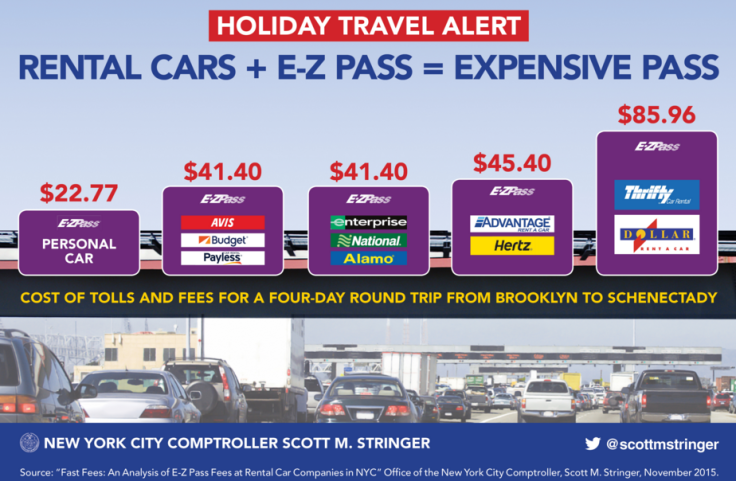
It can, depending on the rental agreement and how the toll was processed. Your personal transponder may pay the toll, but the rental company may still apply a program fee if its toll service was activated.
Rental companies commonly use one or more of these methods:
| Toll method | Who usually pays the toll | Possible extra charge |
|---|---|---|
| Your E-ZPass reads correctly | Your E-ZPass account | Usually no rental toll charge, but check the contract |
| Rental toll device is active | Rental company program | Toll plus service or daily fee |
| License plate tolling | Rental company or toll agency | Toll plus possible administrative fee |
| Unpaid or disputed toll | Rental company may receive the notice | Toll, processing fee, or other contract charge |
These policies vary by company, state, vehicle, and rental location. Enterprise, Hertz, Avis, Budget, and other companies publish separate toll policies. Read the policy for the company and country where you rented the car. For example, Enterprise’s U.S. toll policy explains how its toll program may work, while other brands use different names and terms.
Keep your rental agreement until all toll charges have posted. If a charge appears, compare the date, road, vehicle plate, and payment method before disputing it.
What happens if the E-ZPass does not read?
If your transponder fails, the toll point may use your rental car’s license plate. The charge may then go to the rental company instead of your E-ZPass account.
Possible causes include:
- The transponder is not mounted correctly.
- The device battery is low.
- The account is inactive or underfunded.
- The rental car is in the wrong vehicle class.
- The windshield blocks the signal.
- The toll facility does not accept E-ZPass.
- The rental car’s toll program is managing the charge.
- The device was placed in a shielded case.
Do not stop, reverse, or make a sudden lane change at a toll point. Continue safely. Save the toll location, date, and time. Then check your E-ZPass account and contact the rental company if the charge does not appear.
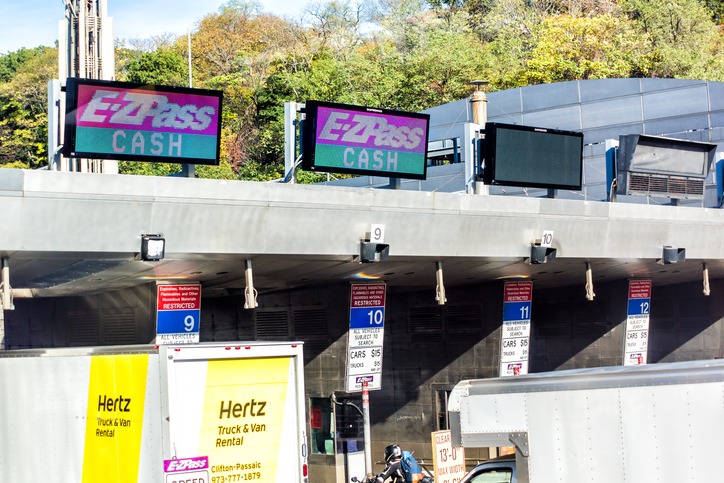
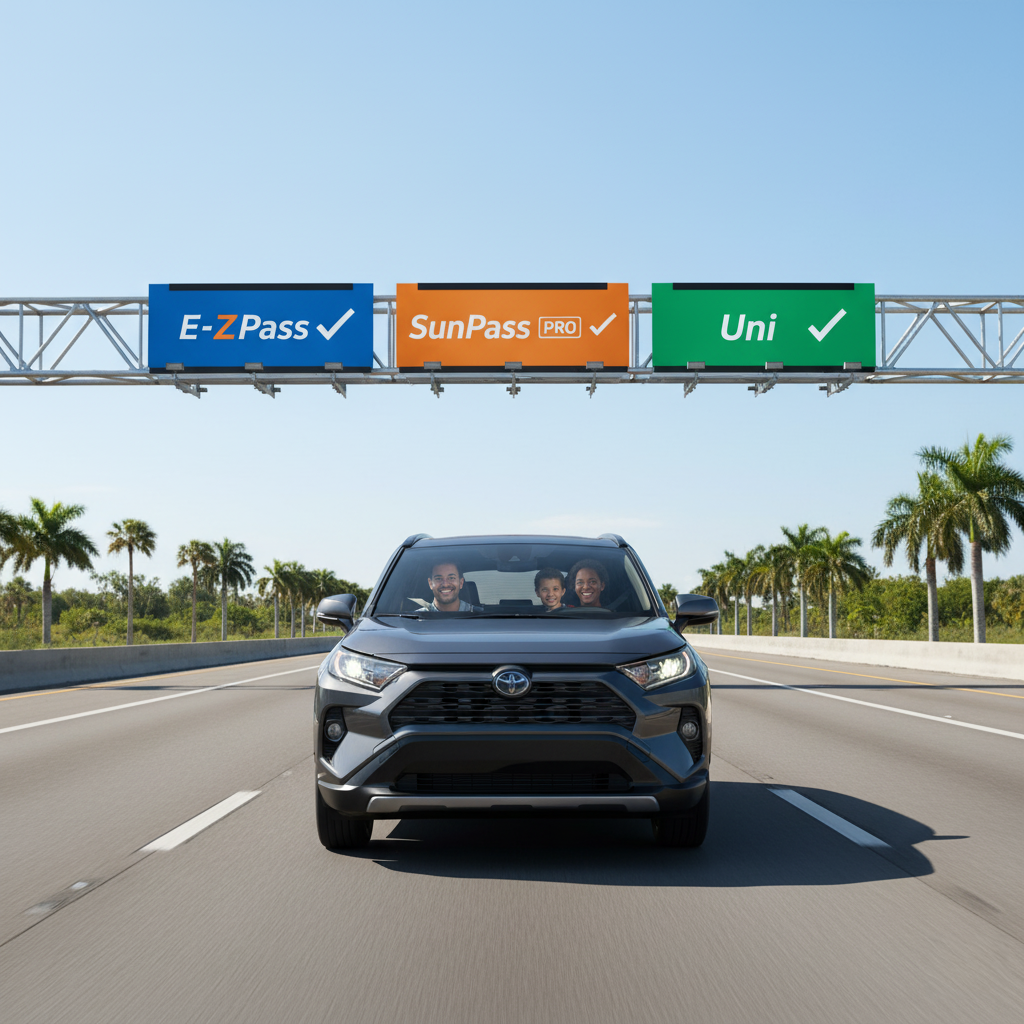
Never drive through a toll lane that requires a payment method you do not have. E-ZPass is not accepted at every toll facility in the United States. A toll road may use another system, such as SunPass, FasTrak, TxTag, or a local plate-billing system.
Does E-ZPass work in every rental car?
No. E-ZPass is not a universal toll pass for every U.S. road. It works across participating E-ZPass toll facilities, but acceptance depends on the toll agency and the type of vehicle.
A normal rental sedan or SUV is often the simplest case. Extra care is needed with:
- Pickup trucks
- Vans with more than two axles
- Vehicles towing a trailer
- Motorhomes
- Commercial vehicles
- Motorcycles
- Vehicles with unusual windshield designs
The toll charge may depend on the number of axles, not just the vehicle’s size. If you attach a trailer, your normal passenger-car setting may be wrong. Contact your E-ZPass agency before travel if the rental vehicle has a different number of axles or a special classification.
The same rule applies when you cross state lines. E-ZPass covers a large group of participating toll agencies, but the network does not cover every toll road in every state. Check the official toll authority for each road on your route.
E-ZPass versus the rental company’s toll program
Using your own E-ZPass can be cheaper, but it is not always the easiest option. The better choice depends on the route and the rental company’s fees.
| Option | Main benefit | Main risk |
|---|---|---|
| Use your own E-ZPass | Toll charges go to your account | You must set up and remove the device |
| Use the rental toll program | Little setup work | Service fees may apply |
| Avoid toll roads | No toll account needed | Longer travel time or a less direct route |
| Pay by plate or cash, where offered | No transponder needed | Not all toll roads accept cash |
For a short trip with one or two tolls, the rental program may be convenient. For several tolls over many days, your own E-ZPass may reduce fees, provided the rental agreement allows it.
Do not decide based only on the advertised toll price. Compare the toll itself with any daily fee, per-use fee, account fee, or administrative charge.
Hypothetical example
Suppose a rental company charges a $5 daily toll service fee, while your own E-ZPass has no extra rental fee. A three-day rental could add $15 in service fees before the tolls themselves.
That does not prove your E-ZPass will always cost less. The rental company may charge only on days when you use a toll road, or your E-ZPass may not work on part of the route. Read both sets of terms.
Common mistakes to avoid
The most common problems come from account setup, not from the toll reader itself.
Leaving the rental plate on your account
Remove the plate when the rental ends. Otherwise, future tolls connected to that plate may be billed to your account.
Using one transponder in two cars
An E-ZPass transponder should not be shared between two vehicles at the same time. Each vehicle needs its own properly assigned device.
Forgetting the vehicle class
A transponder set for a passenger car may not correctly classify a vehicle with extra axles or a trailer.
Leaving the rental toll program active
If both systems are active, the rental company may process a toll even when you expected your E-ZPass to pay it.
Not checking the route
Some toll facilities do not accept E-ZPass. Confirm the toll system before the trip, especially when traveling outside the E-ZPass region.
Throwing away the rental agreement
Keep the contract and return receipt until all tolls and fees have posted. Rental toll charges may appear after the vehicle return date.
Assuming a missed read means no toll
A toll agency may use license plate billing when a transponder does not read. Watch both your E-ZPass account and your rental card statements.

Quick decision guide
Use this checklist before taking the rental car:
- One car, standard sedan, E-ZPass route: Your own transponder will usually be practical.
- Several toll roads over many days: Compare your E-ZPass with the rental program’s daily and per-use fees.
- Rental truck, trailer, or motorhome: Confirm the vehicle class first.
- Route includes non-E-ZPass roads: Check each toll authority and consider another compatible pass.
- Rental car has an active toll device: Ask how to disable or avoid the rental program.
- You cannot add a temporary plate: Follow your E-ZPass agency’s alternative instructions.
- You are unsure who will be billed: Get the answer in writing or from the rental company’s official policy.
Frequently asked questions
Can I use my E-ZPass in a rental car from another state?
Usually, yes, if the rental car is traveling on a participating E-ZPass facility and the vehicle fits the transponder’s class. The state where you rent the car does not by itself decide whether the device works. The toll road and your E-ZPass agency rules control.
Do I need to register the rental car with E-ZPass?
Sometimes. Some agencies require a plate record, while others focus on the transponder. Check the instructions for the agency that issued your account. If you add the plate, set the correct end date and remove it after the rental.
Can I use an E-ZPass from my personal car in a rental SUV?
Often, yes, if both vehicles have the same eligible class. Check the axle count and the transponder settings. A large SUV, truck, or vehicle with a trailer may require different treatment.
Can I use E-ZPass in a rental car in Florida or Texas?
Do not assume that you can. Florida and Texas use toll systems that may differ from E-ZPass, although some devices and roads have broader compatibility. Check the exact toll authority and pass type for your route before driving.
What if the rental company bills me for a toll I paid with E-ZPass?
Compare the rental charge with your E-ZPass transaction history. Check the date, plate, and toll location. If both accounts show a charge, contact the rental company and your E-ZPass agency with the rental agreement and transaction details.
Final answer
You can usually use your E-ZPass in a rental car in the United States. Before driving, confirm that the transponder matches the rental vehicle, check whether you must add the temporary plate, and understand how the rental company handles tolls.
The safest next step is to review your E-ZPass agency’s rental-vehicle rules and the rental company’s toll policy. Keep the transponder mounted correctly, avoid running two toll programs at once, and remove the rental plate from your account when the car is returned.